


15 November 2026 | Admin
A customer once told me, half-joking, that she'd closed a shop's website because "the little lock thing was missing." That's it. No complaint, no email. She just left. Website security works like that. You rarely hear about the visitors it costs you.
Fixing it isn't hard, and it doesn't need a big budget.
Start With an SSL Certificate
Do this one first.
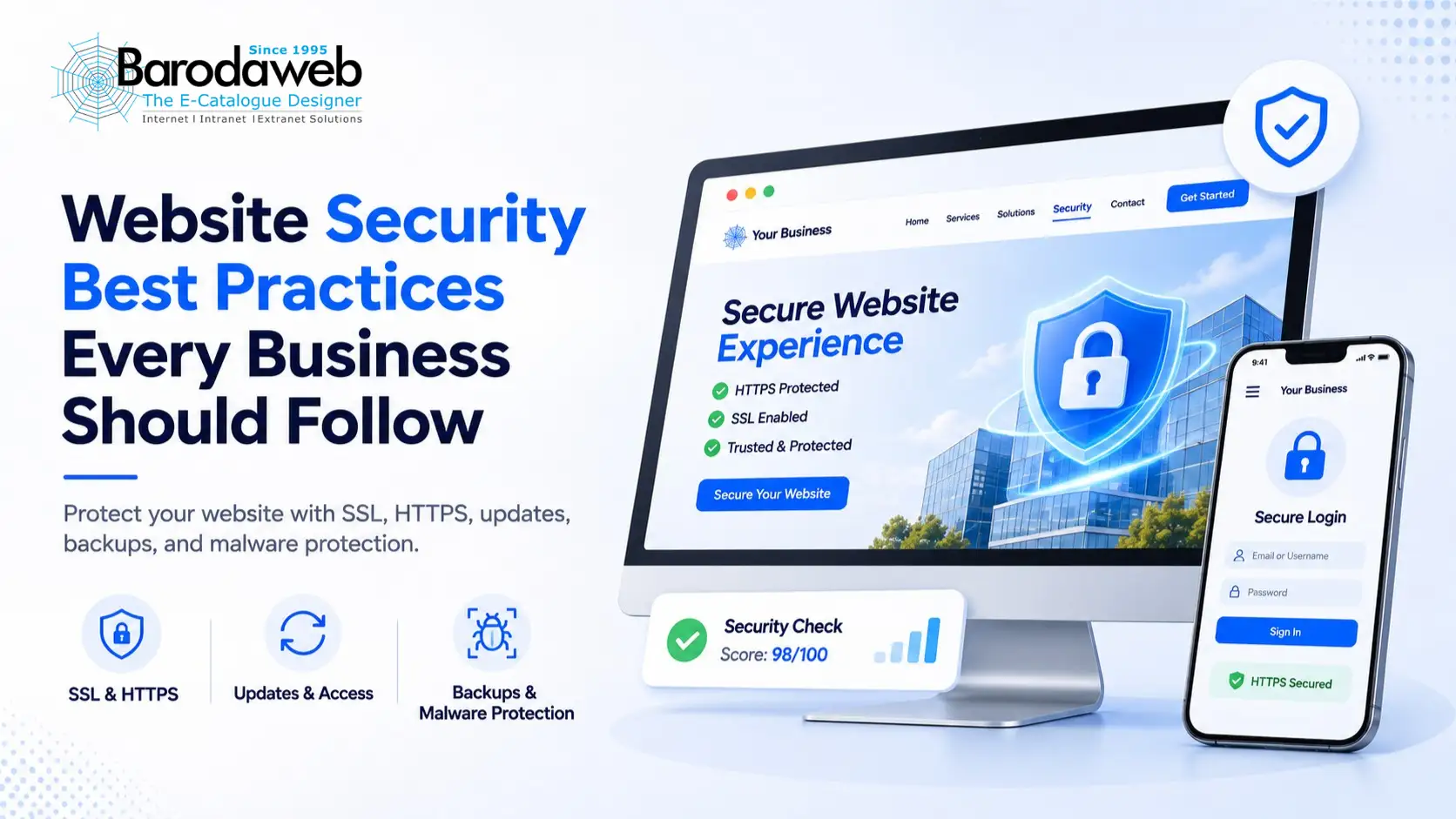
An SSL certificate makes the data between a visitor's browser and your server unreadable to outsiders. Phone numbers, passwords, card details, whatever someone types into your site. No certificate, and it's all sitting out in the open.
Install it and your address starts with https, with a padlock beside it. Few people know what that padlock does. Plenty know what a missing one looks like.
Can't be bothered with the setup? Barodaweb offers SSL Certification in its Business Presence services, so that's covered.
Keep HTTPS Security Enabled
Quick clarification, since the two get mixed up. SSL is the certificate. HTTPS is the secure connection you get when it works.
And it doesn't always work. HTTPS security can fail quietly. The certificate expires, nobody renews it, and suddenly visitors see a big red warning. Or a redesign leaves one page loading the old, insecure way.
So check. Is the certificate current? Does every page use HTTPS, not just the homepage? If people send you personal details, check often.
Make Website Protection an Ongoing Task
Website protection never really ends, because your site never stops changing. A plugin goes in. A freelancer gets a login "just for this week." A booking form gets connected. Every one is another door.
Every few months, do a clean sweep. Delete plugins nobody uses. Install the updates you keep postponing. Read through your user list and ask who still needs access.
Pay Attention to Cyber Security
Cyber security is more than a tool you buy. It's passwords, updates, backups, and who can log in, plus how your team treats customer data on an ordinary Tuesday.
Don't share one admin password across the team. It feels easy until something breaks and nobody can say who changed what. Separate logins, and only the access each person needs.
Back up regularly, too. When an update breaks your site or someone gets in, a recent backup is the difference between an hour of work and a week.
Use Website Malware Protection
Think malware only goes after big companies? Not so. Small sites get hit constantly, partly because they're easier. You might see odd redirects, files you never uploaded, or a site that suddenly crawls.
That's why website malware protection deserves regular attention. Notice what looks different. Keep software updated. When something seems wrong, look into it today, not next week.
Scans help as well, because they catch what you'd never see just by browsing your own pages.
Make Security Part of Regular Website Maintenance
Put it on the calendar. Every so often, run through SSL status, software updates, admin access, backups, and your forms.
Barodaweb also provides ongoing web support: website creation and updates, maintenance, and technical troubleshooting. If your site's live and you'd rather someone else handle the technical side, it's worth considering.
Good website security shouldn't make your site harder to use. It should simply keep your customers, your team, and your business protected. Keep the habits going and you'll stop worrying about it so much.